What Is Application Development? Types, Lifecycle & Examples
 Althaf Mohamed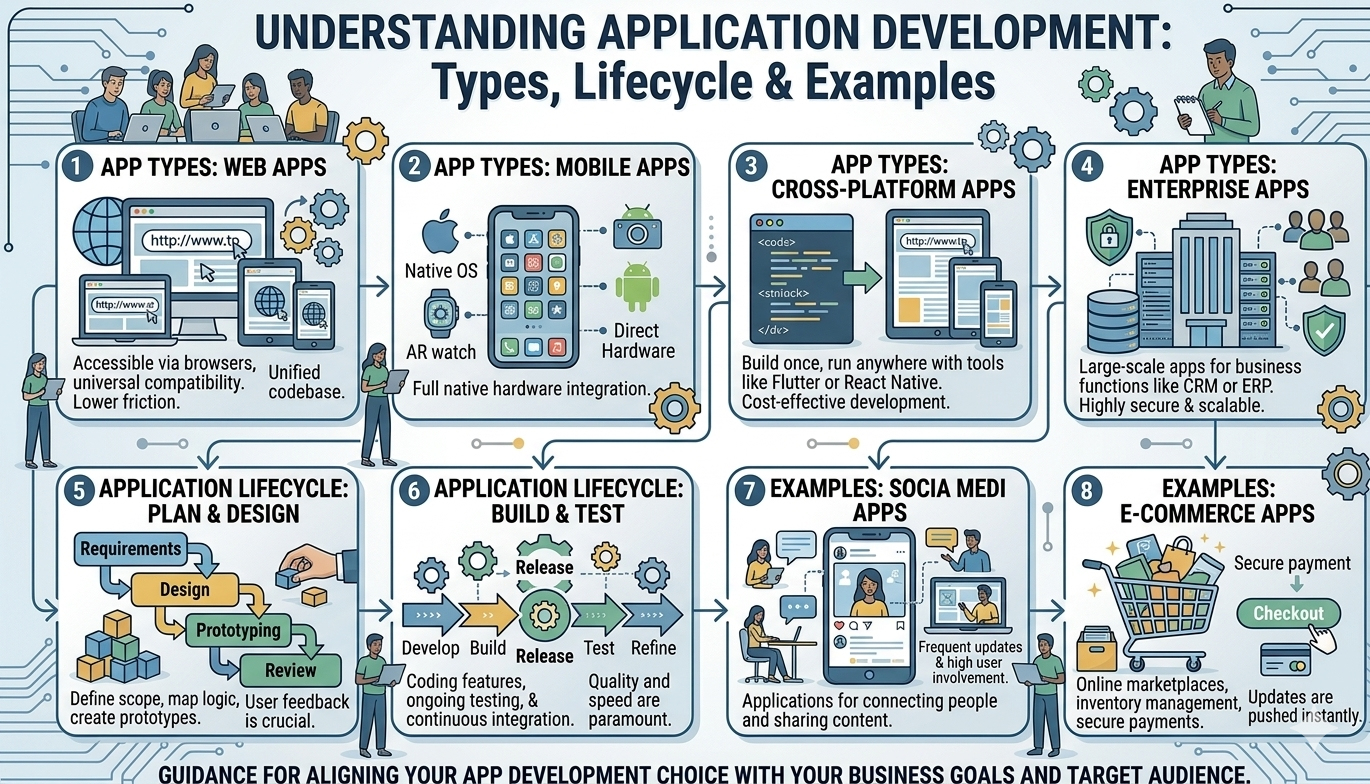
Today's digital world depends on application development, which powers everything from web and mobile apps to large-scale enterprise software systems. Modern technology relies heavily on well-designed applications to provide seamless user experiences, whether it's social media apps, e-commerce platforms, or online banking.
In this article, you’ll learn what application development is, it's different types, the development lifecycle, and real-world examples.
What is Application Development?
Application development is the formal process of creating computer programs or sets of programs to perform specific tasks for businesses or consumers. In simple terms, application development is the process of designing, building, testing, and maintaining software applications that perform specific tasks for businesses and end users.
From the apps on your smartphone to complex systems used by global organizations, application development plays a critical role in driving digital transformation, improving efficiency, and enabling innovation across industries.
As businesses continue to move toward digital solutions, understanding application development—its types, lifecycle, and real-world use cases—has become essential for developers, companies, and anyone interested in modern software technology.
Common Types of Applications
Application development involves a comprehensive process of designing, building, testing, and maintaining software applications compatible with devices such as computers, smartphones, and servers. The primary objective is to develop software that addresses specific problems, boosts efficiency, or enhances the overall user experience. This development process is typically divided into five main categories, which are determined by the particular platform and technology stack being employed.
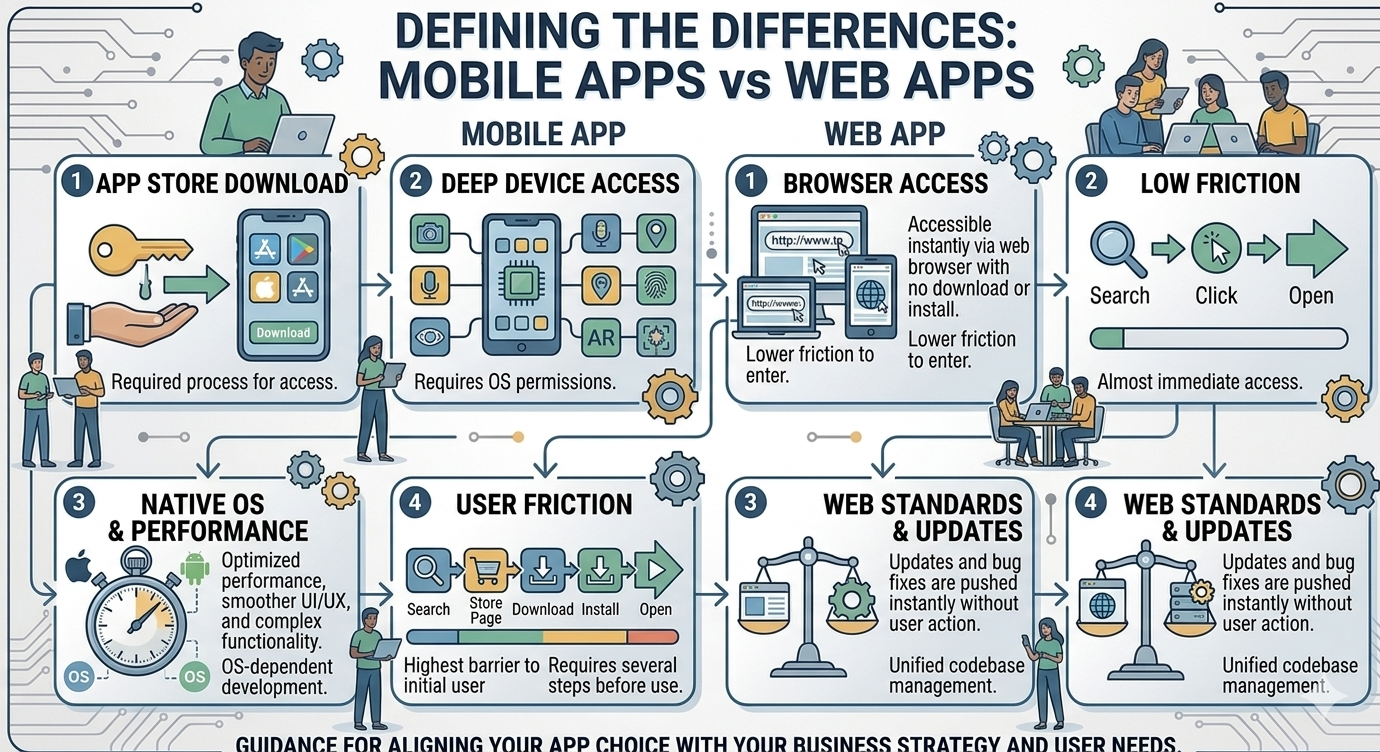
Web Applications: These run-in web browsers (like Chrome or Safari) and don't require installation.
Examples: Gmail, Facebook, and Canva.
Mobile Applications: Specifically designed for smartphones and tablets.
Native Apps: Built for a specific OS (iOS or Android).
Cross-Platform Apps: Built once to run on both (using Flutter or React Native).
Desktop Applications: Installed locally on a computer.
Examples: Microsoft Word or Adobe Photoshop.
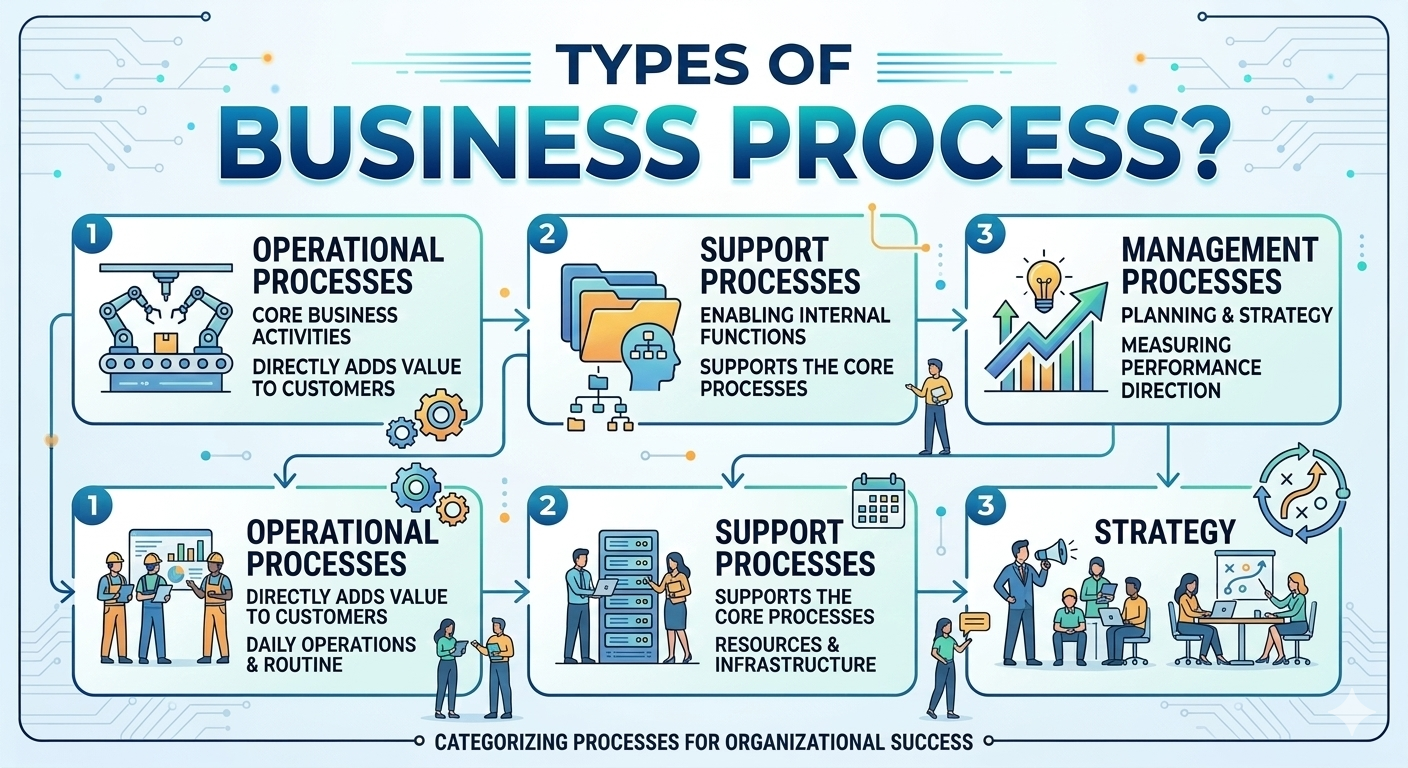
Enterprise Applications: Large-scale software used by organizations to manage complex business processes.
Examples: CRM systems (Salesforce) or ERP systems (SAP).
Cloud Applications: Cloud apps run on cloud platforms and are accessed via the internet.
Examples: Google Docs, Dropbox
Application Development Lifecycle (SDLC)
The Software Development Life Cycle (SDLC) is a structured process used to develop high-quality applications. To ensure high quality and security, developers follow a structured lifecycle:
Planning & Requirement Analysis
In this initial phase, all possible requirements of the system are gathered, analyzed, and documented. This includes understanding business objectives, target users, and functional expectations of the application. The collected requirements are then compiled into a formal Requirement Specification Document (RSD), which serves as a reference for all future stages of development.
System Design
Based on the requirement specifications, the system architecture and design are created. This phase defines how the application will be structured, including database design, system interfaces, and overall architecture. It also helps identify hardware and software requirements while guiding developers with a clear technical blueprint.
Development (Implementation)
In this phase, the actual coding begins. The system is developed in smaller components or modules, often referred to as units. Each unit is independently coded and tested to ensure it functions correctly, a process known as Unit Testing. This modular approach improves efficiency and simplifies debugging.
Integration & Testing
After individual units are developed, they are integrated into a complete system. The integrated system undergoes comprehensive testing to identify and fix any defects, errors, or inconsistencies. This includes functional testing, performance testing, and security testing to ensure the application meets all specified requirements.
Deployment
Once the application passes all testing phases, it is deployed to the production environment. This could involve releasing the application to web servers, cloud platforms, or app stores, making it accessible to end users. Deployment may be done in stages or as a full release, depending on the project strategy.
Maintenance & Support
After deployment, the application enters the maintenance phase. In this stage, real-world issues are identified and resolved through patches and updates. Enhancements and new features are also added based on user feedback and evolving business needs. Continuous maintenance ensures the application remains secure, efficient, and up to date.
Application development is a dynamic field that bridges the gap between a business idea and a functional digital tool. Whether you are building a simple internal tool or a global social platform, understanding the lifecycle and choosing the right app type is the foundation of success.
Frequently Asked Questions
Althaf Mohamed
Technical Author
Software Engineer and technical author specializing in web architectures, databases, and secure distributed systems.
Trending Now
Recent Posts
Beginner's Guide to Software Development: Everything You Need to Know in 2026
May 30, 2026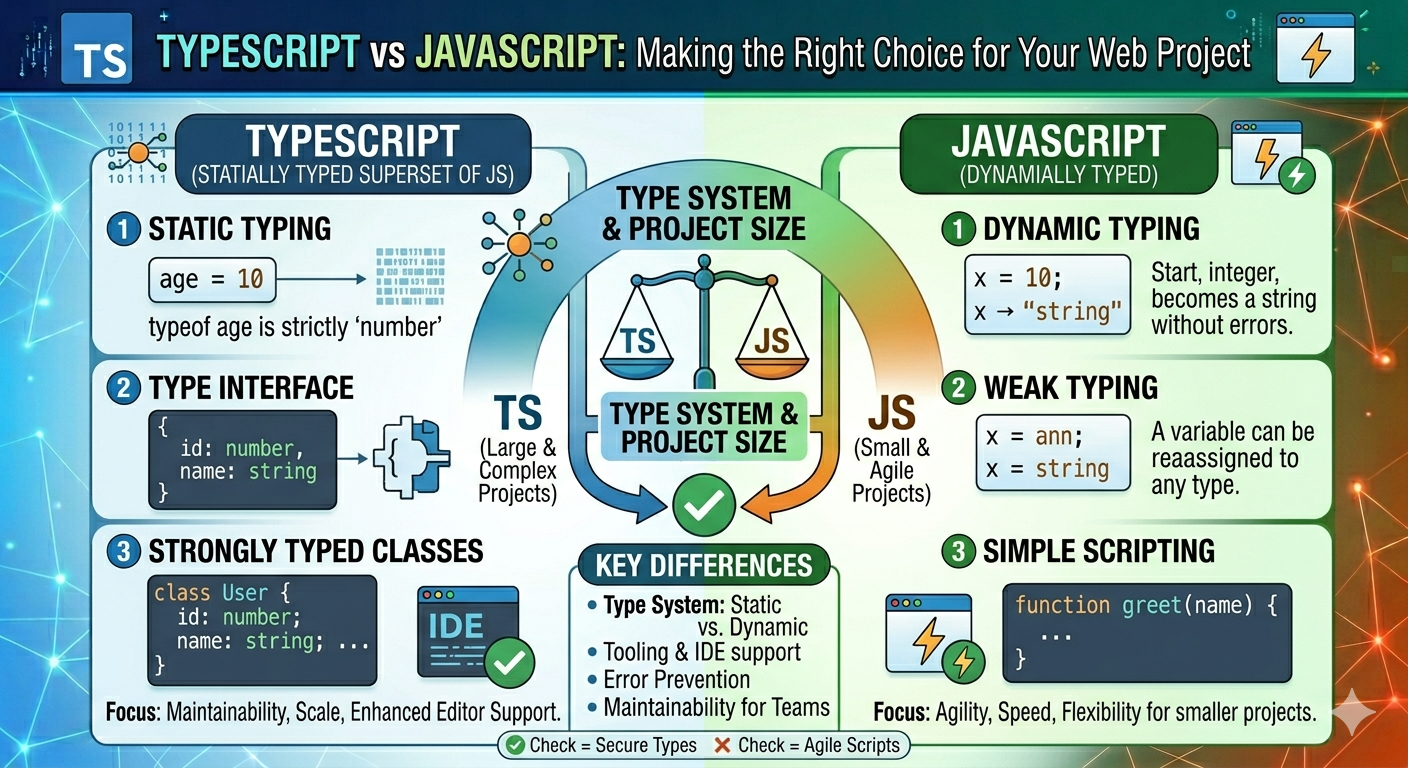
TypeScript vs JavaScript - Key Differences
May 04, 2026
API Status Codes & Meanings
May 04, 2026
What is an Application Programming Interface (API)
May 04, 2026
Network Security Basics – Threats & Protection Methods
May 04, 2026
.png?alt=media&token=11b33f62-1df1-4701-bcac-47fb77241c5e)