What Is Computer Networking?
 Althaf Mohamed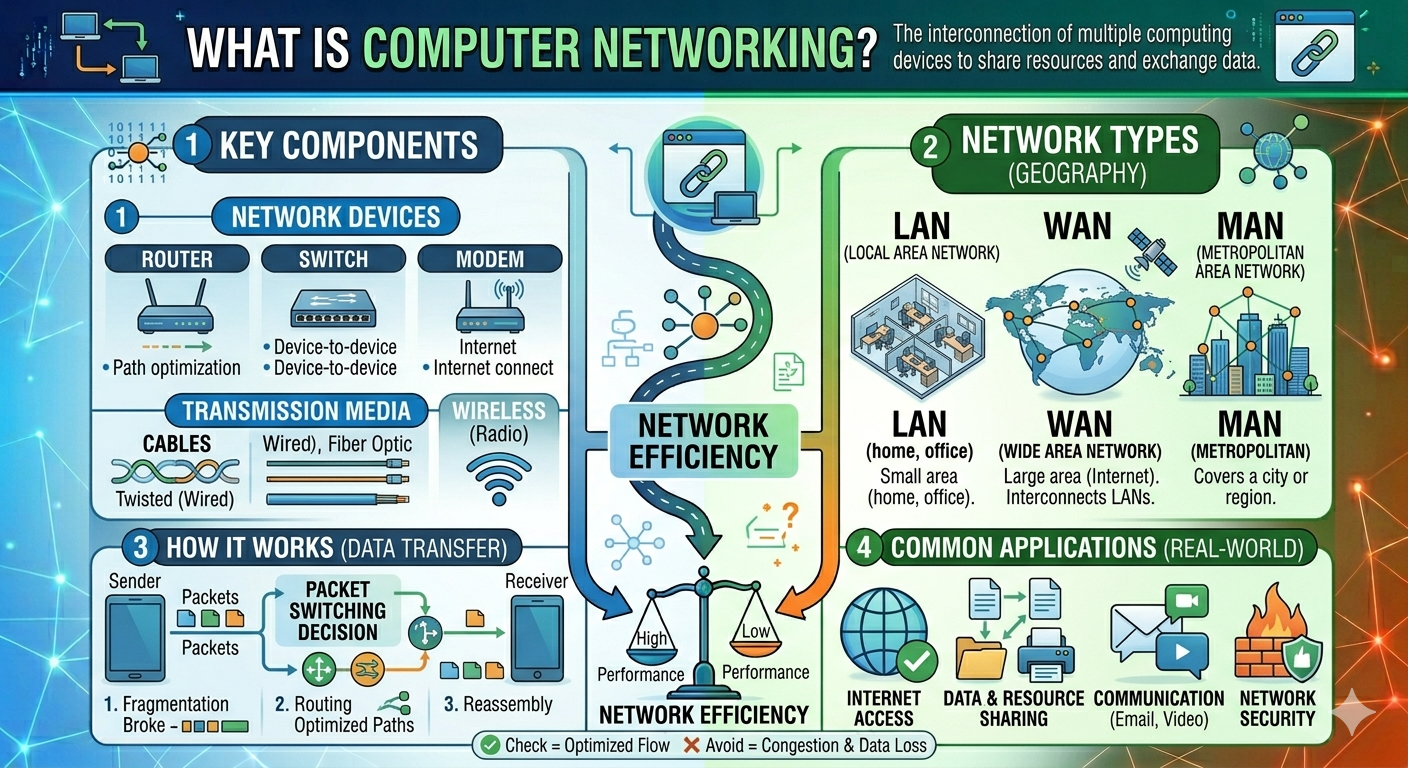
In today's digital world, computers and devices are continuously communicating with one another to share information, resources, and services. Computer networking allows you to browse the internet, send emails, stream videos, and print documents from other devices.
Computer networking is a key technology in today's communication and information systems. It connects devices together, allowing them to exchange data rapidly and securely. From small home Wi-Fi networks to enormous worldwide internet infrastructures, networking is essential in personal, business, educational, and industrial environments.
In this article, you will learn what computer networking is, how it works, its types, components, advantages, disadvantages.
What Is Computer Networking?
Computer networking is the process of connecting two or more computers or devices so that they may communicate, share data, and access resources like files, printers, applications, and internet connections.
A computer network enables devices to share data via communication protocols and networking devices such as routers, switches, and cables. The primary purpose of networking is to facilitate communication and resource sharing among connected devices.
How Computer Networking Works
Computer networking connects several devices, allowing them to communicate and exchange data. To properly send and receive information over the network, these connected devices utilize communication rules known as protocols.
When you browse the internet, send emails, view videos online, or share files, networking technologies work in the background to move data between devices quickly and securely.
Step-by-Step Process of Computer Networking
A Device Sends Data
The networking process begins when a device wants to send information to another device.
Data Is Converted into Packets
Before transmission, the data is divided into smaller units called packets. Each packet contains source address, destination address, actual data, sequence information. Breaking data into packets makes transmission faster and more efficient.
Data Travels Through the Network
The packets travel through network devices and communication channels such as routers, switches, ethernet cables, Wi-Fi signals, fiber optic cables. These devices help move the data toward its destination.
Routers and Switches Direct the Data
Networking devices determine the best path for data transmission.
Router: connects different networks and directs internet traffic.
Switch: Transfers data between devices within the same network.
The Destination Device Receives the Data
When the packets reach the destination device, they are reassembled into the original data.
Protocols Ensure Proper Communication
Networks use communication rules called protocols to manage data transfer.
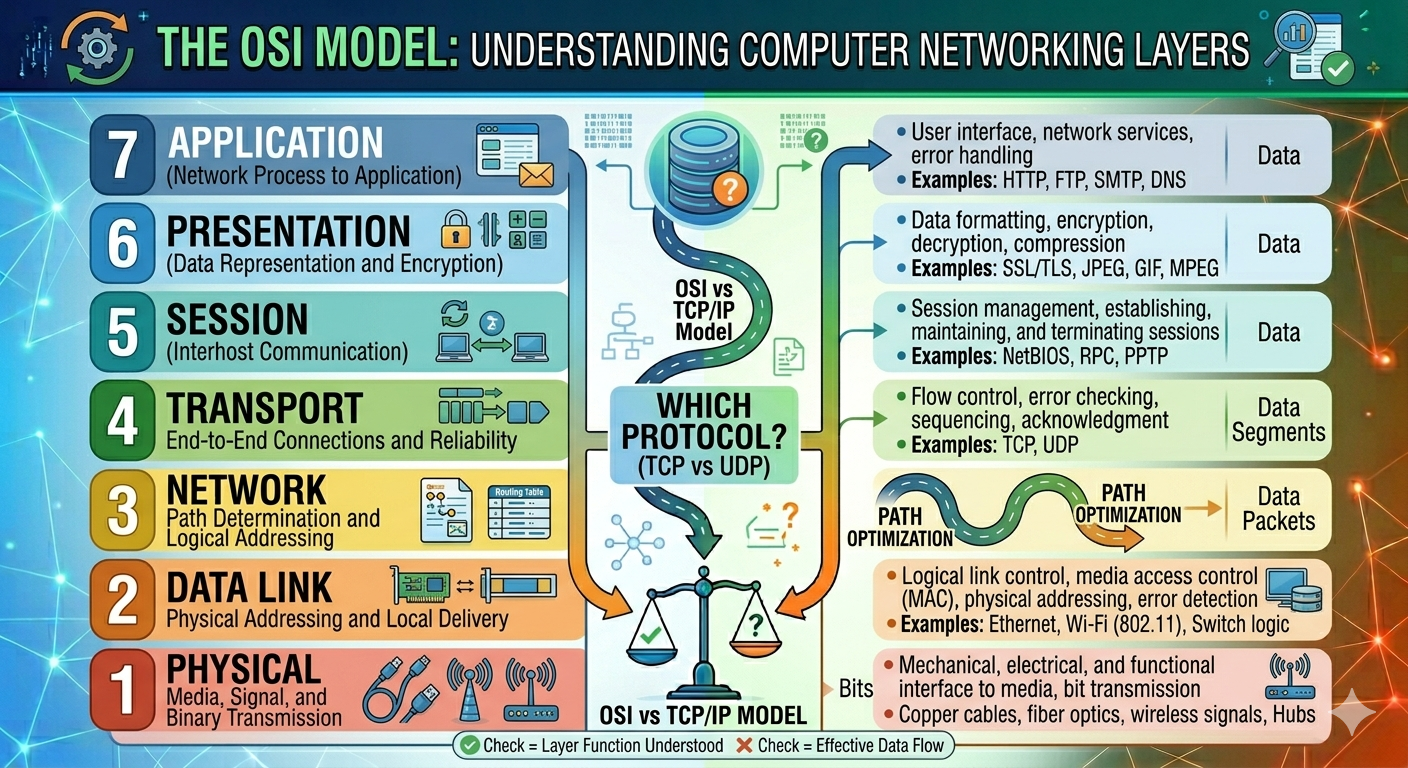
Some common Networking Protocols
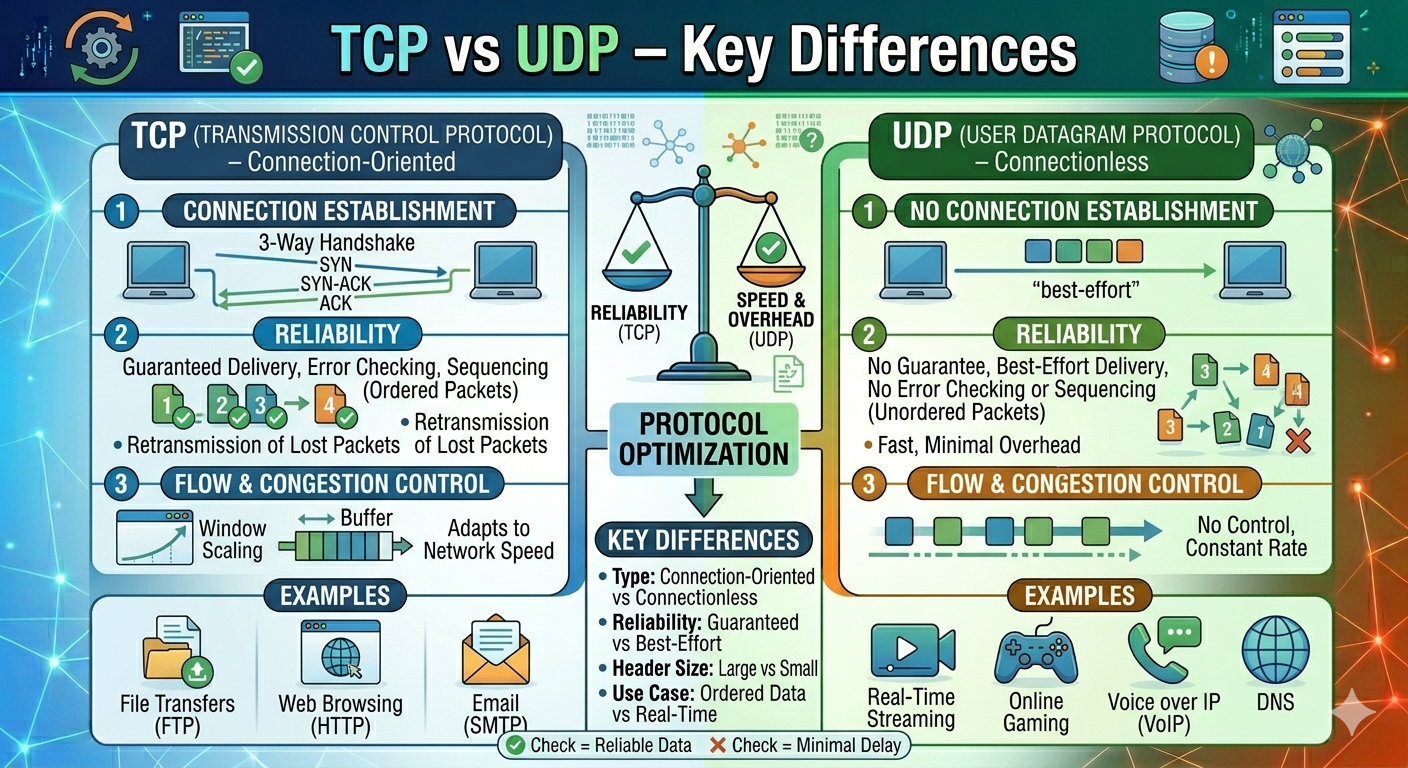
TCP/IP → Basic internet communication
HTTP/HTTPS → Web communication
FTP → File transfer
SMTP → Email communication
Protocols ensure data is transmitted correctly and securely.
Components of a Computer Network
A computer network consists of several key components that work together to allow devices to communicate and share data. These components enable devices to communicate, transport data, access the internet, and share resources more efficiently.
Without these networking components, devices would be unable to communicate effectively within a network.
Computers and Devices
Computers and devices are essential components of a network, functioning as nodes that send, receive, and process data. Examples of these devices include desktop computers, laptops, smartphones, tablets, servers, and printers.
Network Interface Card (NIC)
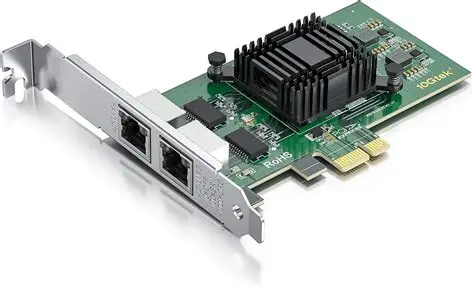
A Network Interface Card (NIC) is a hardware component essential for connecting devices to a network, enabling them to send and receive data, and communicate with other devices. All network-enabled devices incorporate a NIC, which can be either wired (Ethernet) or wireless (Wi-Fi).
Router
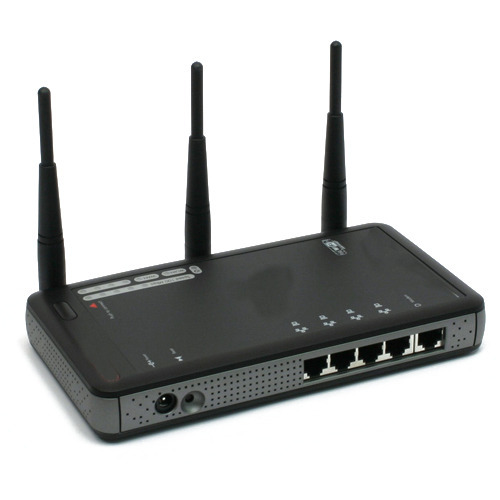
A router is a networking device that connects different networks and directs data between them. Commonly used to connect home or office networks to the internet, manage traffic between devices, and assign IP addresses, routers perform key functions such as data routing, internet sharing, and network security.
Switch
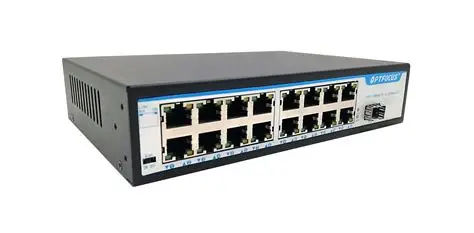
A Switch connects multiple devices within a local network by directing data specifically to the intended device, thereby enhancing communication speed and efficiency. Its primary uses include connecting office computers, improving network performance, and reducing unnecessary traffic.
Hub
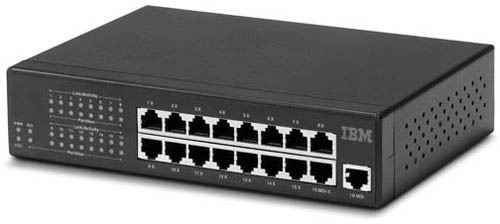
A Hub is a basic networking device that connects multiple devices in a network, sending data to all connected devices rather than selectively, as a switch does. Its disadvantages include slower performance and increased network traffic. Consequently, hubs are rarely used in modern networks, where switches are favored for their efficiency.
Server
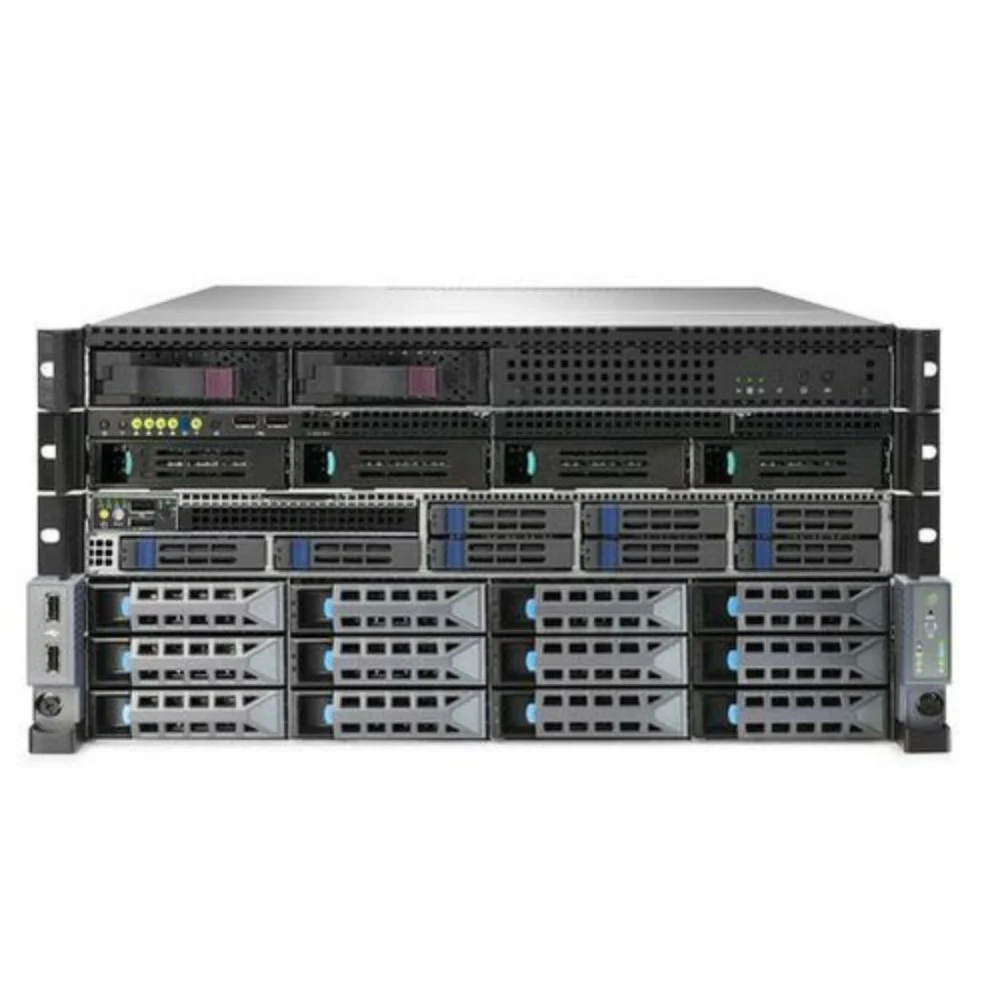
A server is a powerful computer that delivers services, resources, or data to other devices on a network. Types of servers include web servers, file servers, database servers, and mail servers. For example, a website's data is stored on a web server.
Modem
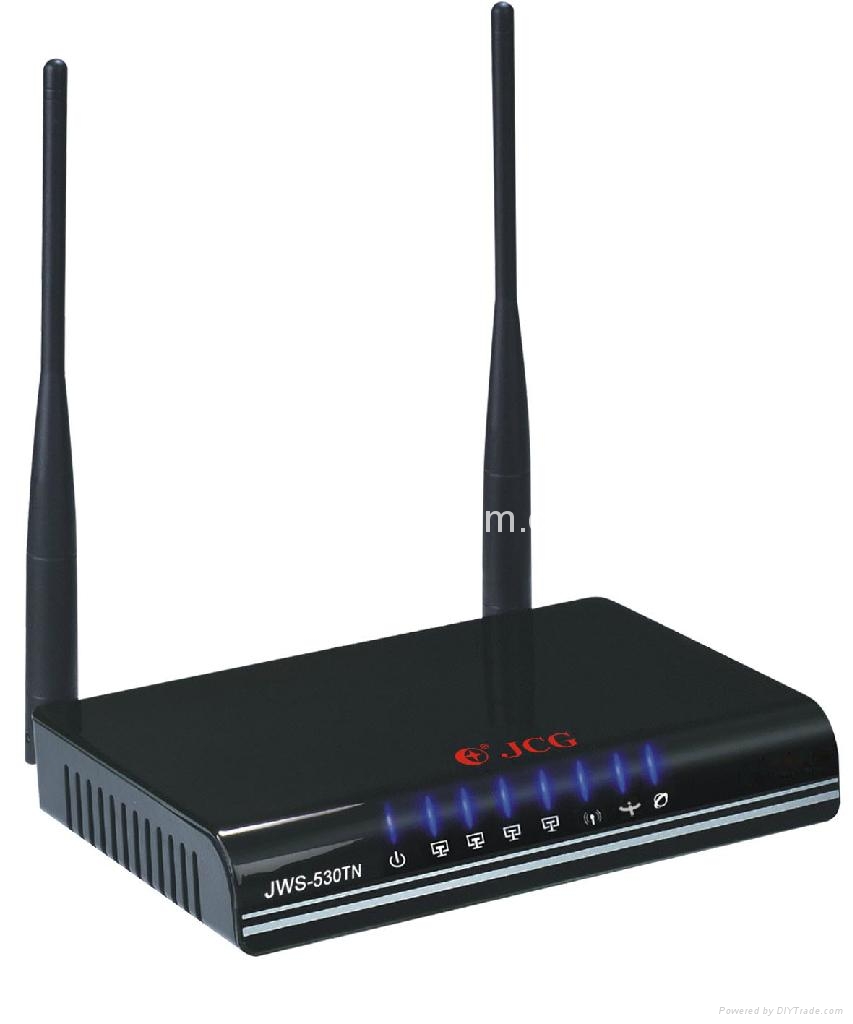
A modem connects a network to the internet via an Internet Service Provider (ISP) by converting digital data into signals for communication lines. For example, home internet connections utilize modems to access the internet.
Transmission Media
Transmission media are communication channels used to transfer data between devices, categorized into wired and wireless types. Wired media includes Ethernet and fiber optic cables, while wireless media encompasses Wi-Fi, Bluetooth, and radio waves. For instance, Wi-Fi signals enable smartphones to connect to the internet wirelessly.
IP Address
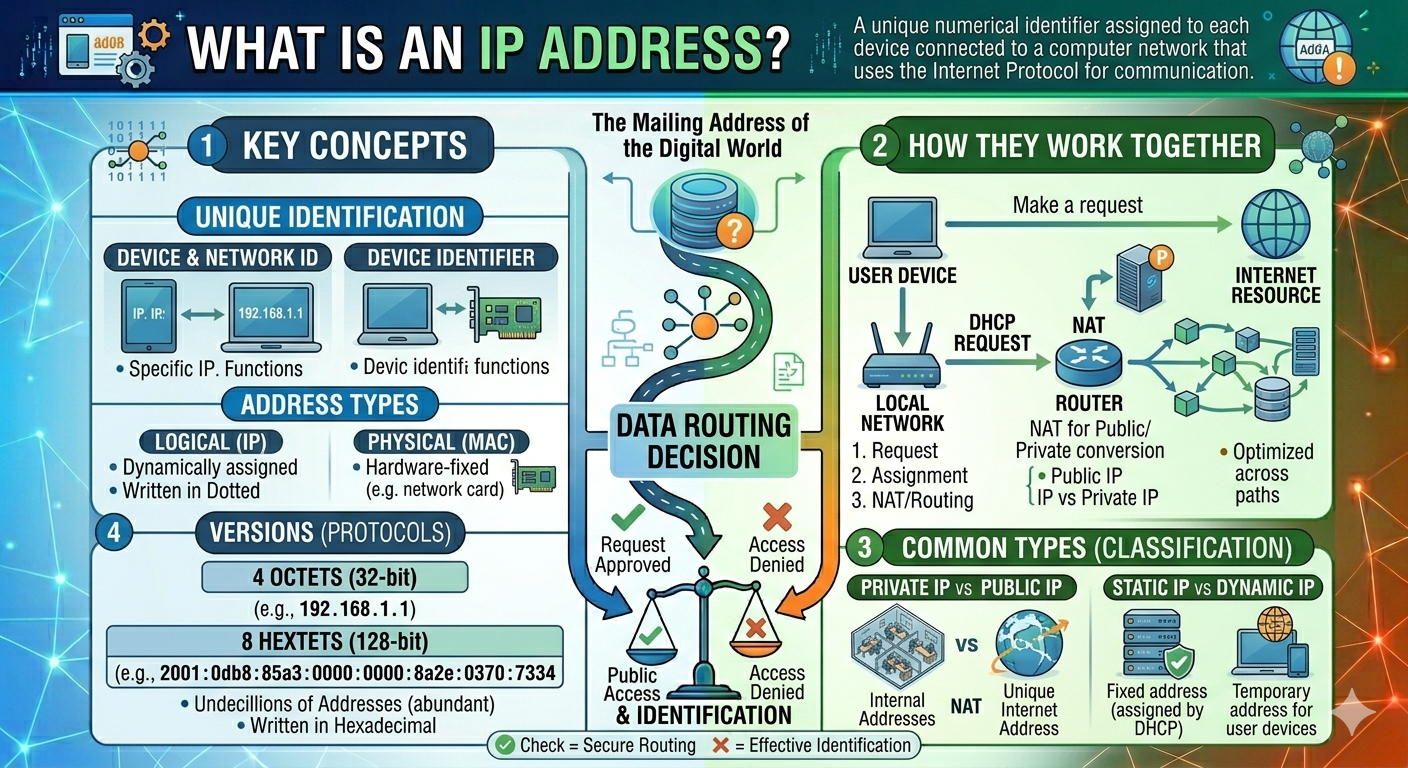
An IP Address is a unique number assigned to each device connected to a network. It helps identify devices and allows data to reach the correct destination.
Protocols
Protocols are standards that define device communication over a network, ensuring reliable and secure data transfer. Notable networking protocols include TCP/IP, HTTP, HTTPS, FTP, and SMTP. For instance, web browsers utilize HTTP and HTTPS to access websites.
Types of Computer Networks
Computer networks are categorized into different types based on their size, coverage area, and use. Each type of network is tailored to certain communication and data-sharing requirements.
The main types of computer networks are:
PAN (Personal Area Network)
A Personal Area Network (PAN) is the smallest type of network, connecting personal devices across short distances (usually a few meters). PANs, which employ technologies such as Bluetooth or USB, are simple to set up and perfect for personal usage.
LAN (Local Area Network)
A Local Area Network (LAN) connects devices within a limited area, such as homes, offices, and schools. LANs are one of the most commonly used network types.
MAN (Metropolitan Area Network)
A Metropolitan Area Network (MAN) connects networks across a city or large campus, providing medium-sized coverage that is larger than a LAN but less than a wide area network.
WAN (Wide Area Network)
A Wide Area Network (WAN) connects devices and networks over extensive geographical distances by employing telecommunications infrastructure, fiber optic cables, satellites, and the Internet. Important aspects of WANs include extensive coverage, the ability to connect several Local Area Networks (LANs) and Metropolitan Area Networks (MANs), and support for worldwide communication.
Computer networking is the foundation for modern communication and digital technology. It enables devices to connect, interact, and share resources efficiently over both local and worldwide networks.
From homes and schools to businesses and cloud platforms, networking underpins practically every digital service we use today. Understanding computer networking is critical for students, developers, IT professionals, and anybody interested in modern technology.
Frequently Asked Questions
Althaf Mohamed
Technical Author
Software Engineer and technical author specializing in web architectures, databases, and secure distributed systems.
Trending Now
Recent Posts

Beginner's Guide to Software Development: Everything You Need to Know in 2026
May 30, 2026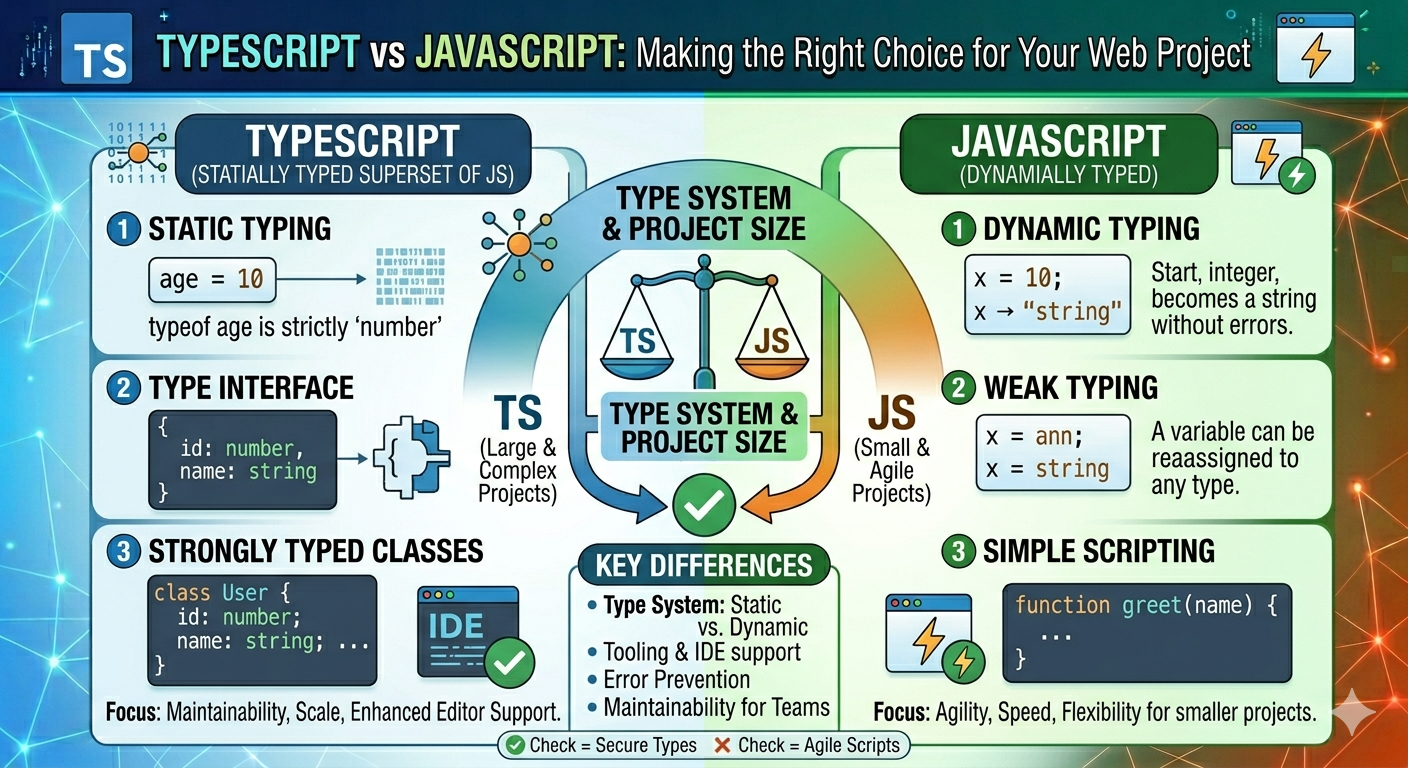
TypeScript vs JavaScript - Key Differences
May 04, 2026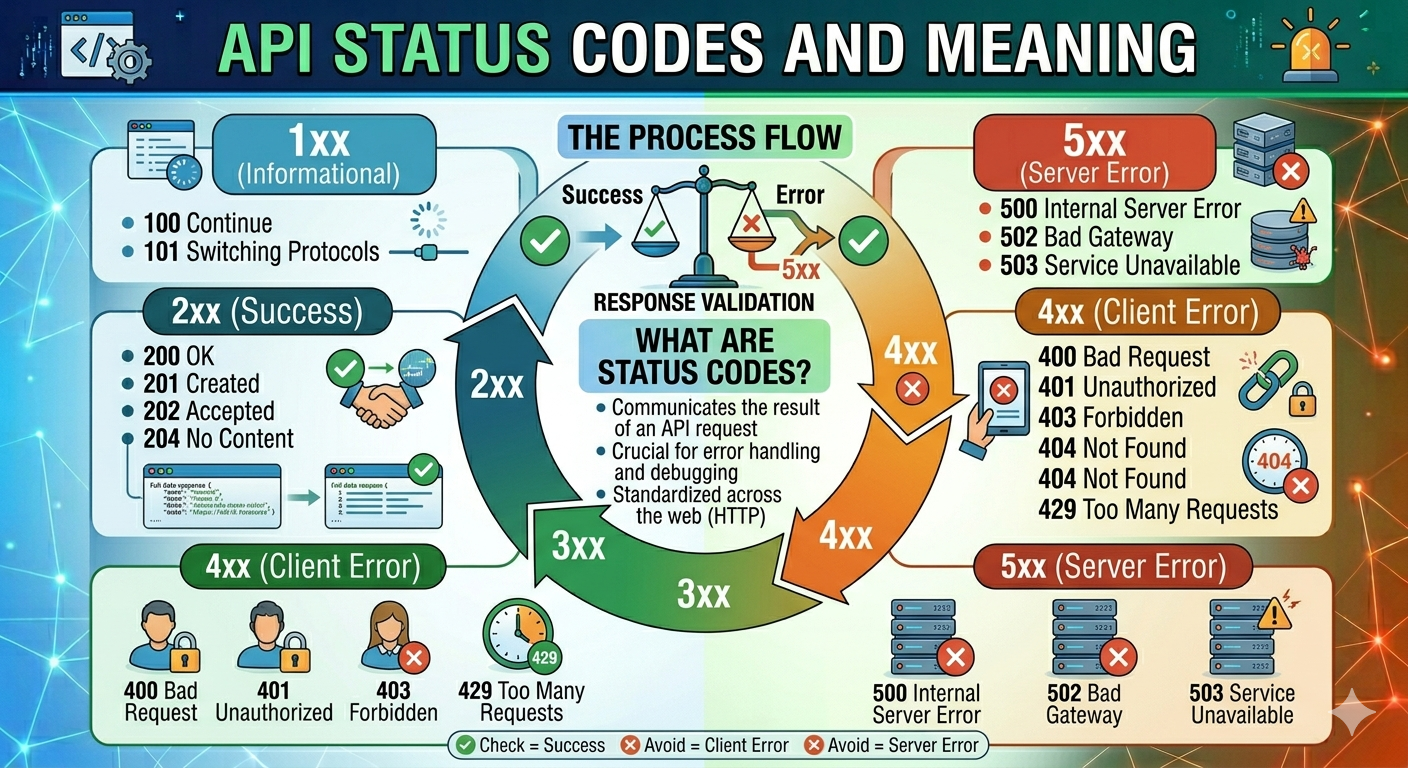
API Status Codes & Meanings
May 04, 2026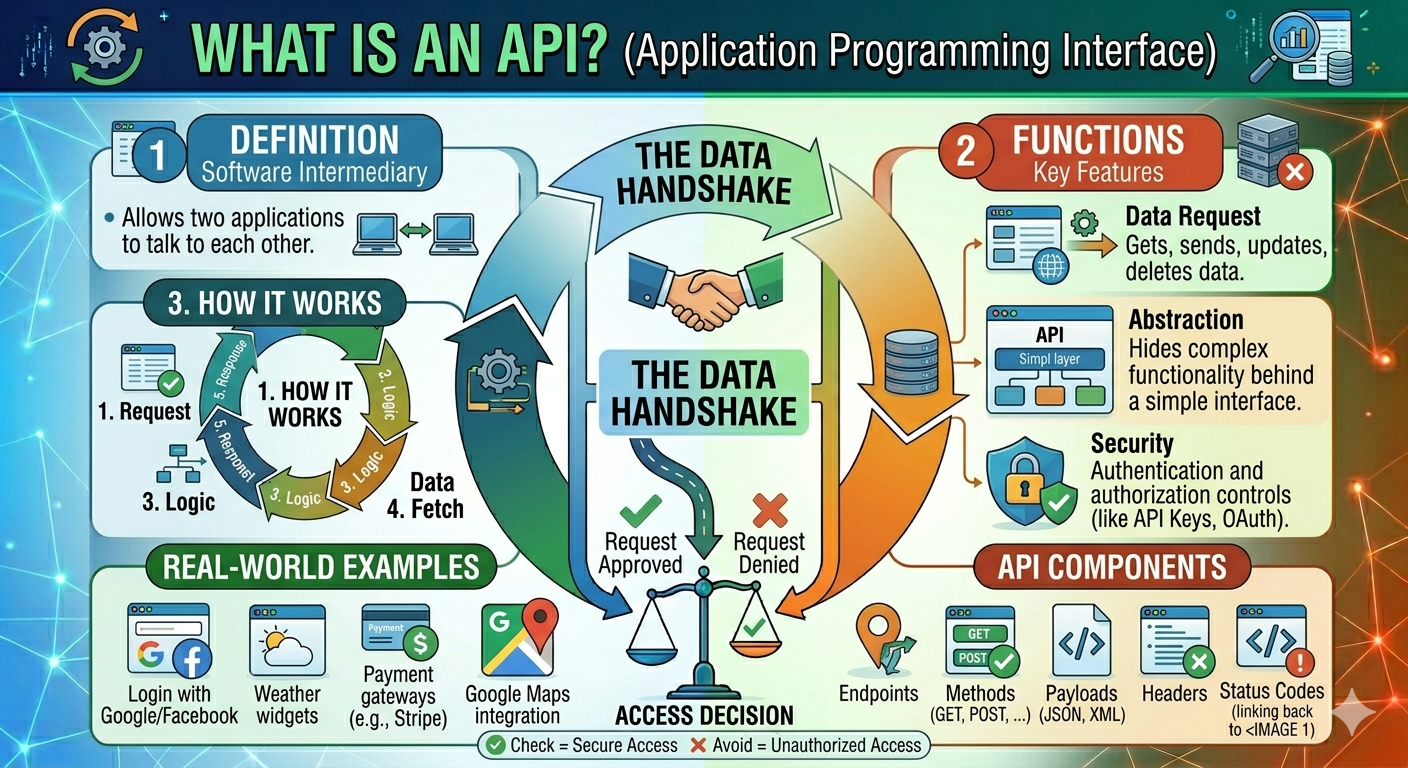
What is an Application Programming Interface (API)
May 04, 2026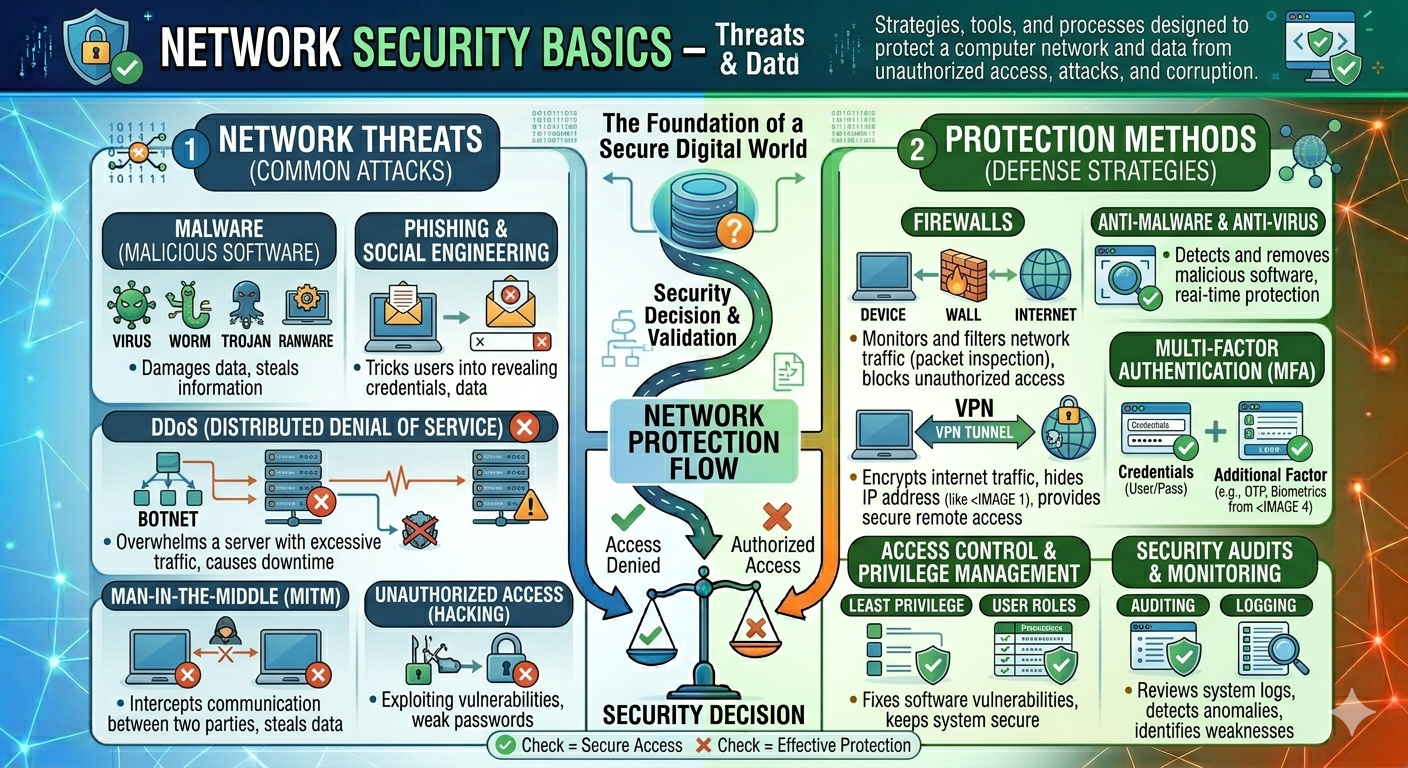
Network Security Basics – Threats & Protection Methods
May 04, 2026